
Reaching a global audience takes more than a translated subtitle track. A properly localised video re-voices or subtitles the audio, translates the on-screen text, and adapts anything culture-specific — so it feels native, not converted. Here's the full process, step by step.
In this article
Video is how most brands now reach their audiences — but a video that works in one market rarely works in another as-is. Localisation is the process of adapting it fully: the words, the voice, the text on screen and the cultural details. Done well, viewers can't tell it wasn't made for them. Here is how a professional localisation runs, from source file to finished versions.
1. Transcribe the source video
Everything starts from an accurate, time-coded transcript of the original. It becomes the base for translation, for subtitles and for any voice script, and it means nothing in the audio gets missed. Skipping this step is where most rushed localisations go wrong.
2. Translate and adapt the script
Native linguists translate the transcript for meaning, not word-for-word — adapting idioms, examples and tone so the script reads naturally and stays timed to the picture. This is audiovisual translation, and it is a different craft from document translation because every line has to fit a duration on screen.
3. Choose your method: subtitles, voice over or dubbing
There are three ways to carry the audio into the new language, and the right one depends on your content, budget and how immersive it needs to be:
- Subtitles — fastest and most economical, and they keep the original performance. Ideal when budget or turnaround is tight.
- Voice over (UN-style) — a native voice reads over the original at a lower level. Perfect for corporate video, e-learning and documentary.
- Dubbing (lip-sync) — the most immersive option, matched to on-screen mouths. Best for film, TV and animation.
Not sure which fits? Our dubbing vs subtitling guide weighs cost, speed and immersion side by side.
4. Record the voices or create the subtitles
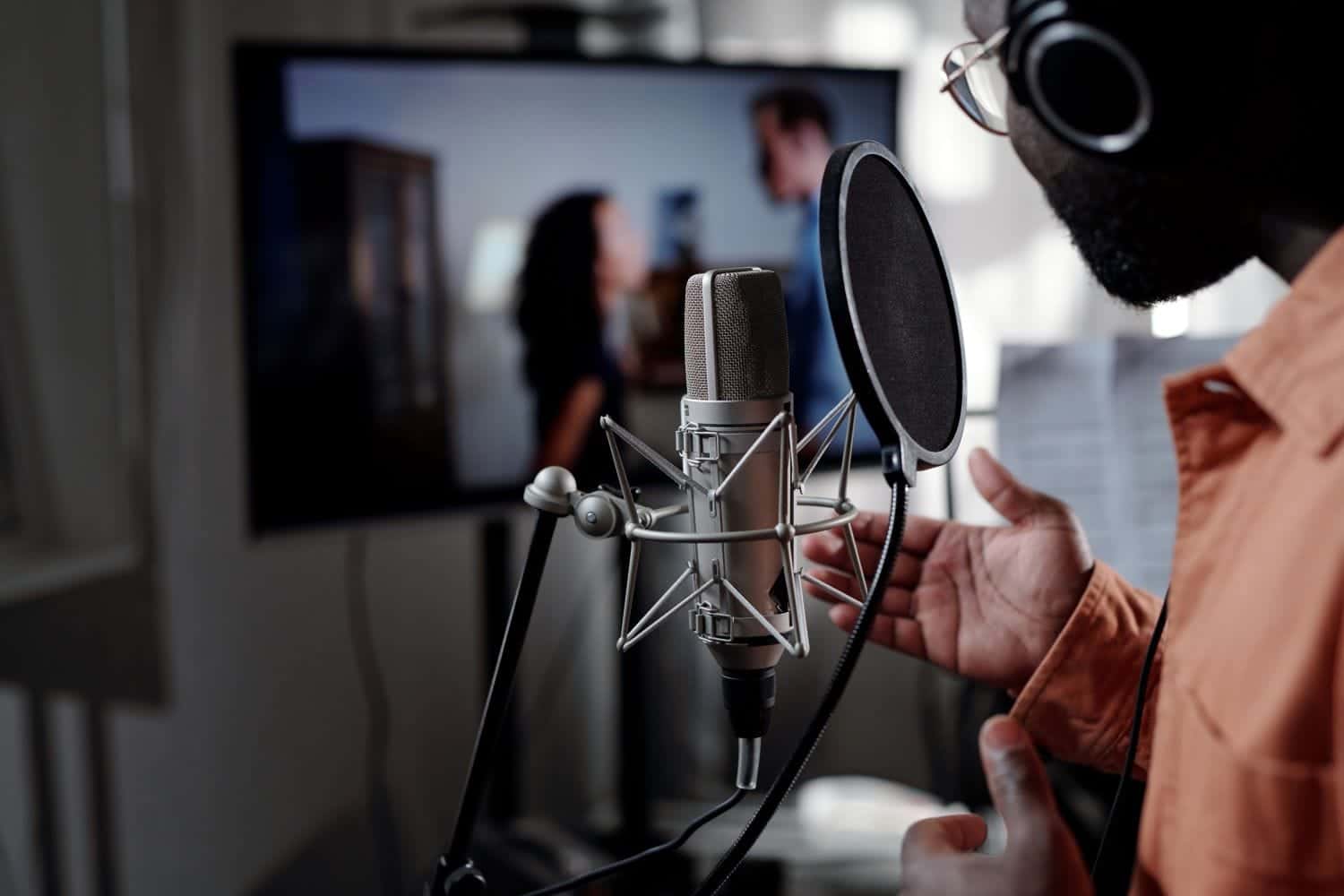
For a voiced version, we cast and direct native voice talent in our studios so tone and pronunciation are right. For subtitles, we produce them to broadcast standard — fitted to on-screen reading speed so viewers can comfortably keep up.
5. Localise on-screen text and graphics
A soundtrack in the target language over English titles and captions breaks the illusion. We translate and re-set lower-thirds, callouts and any burned-in text to match the original design, so the whole frame speaks the same language.
6. Quality-check and deliver
Finally, every version is reviewed for sync, pronunciation, reading speed and layout, then delivered in the exact format and spec your platform needs. When you localise into several languages, these steps run in parallel, so more languages don't mean a proportionally longer timeline.
Localise once, reach everywhere
The advantage of handling every step — transcription, translation, voice, subtitles and on-screen text — under one roof is consistency: one terminology set, one project manager, one quality bar across every market. Explore our audiovisual translation services or send us your videoand we'll come back with a plan and an itemised quote.